
What Apps Are Most Useful for Home Service Businesses?
If you run a home service business, you already know the phone doesn’t stop ringing and the paperwork never really ends. The right apps can take a lot of that weight off your shoulders. The most useful apps for home service businesses fall into a few key categories: scheduling and dispatch, customer management (CRM), invoicing and payments, and marketing or lead generation. Together, these tools help you book more jobs, keep your team organized, and get paid faster.
This guide breaks down exactly which types of apps matter most, why they matter, and how to choose the right ones for a business like yours — whether you’re a solo contractor or running a growing crew.
Quick Answer
The most useful apps for home service businesses are scheduling and dispatch tools, CRM software for tracking customers and jobs, invoicing and payment apps, and communication tools for texting or calling clients. Most successful home service owners use a small combination of these instead of one single app, though some all-in-one platforms combine several functions together.
Why Home Service Businesses Need the Right Apps
Running a plumbing, cleaning, HVAC, landscaping, or handyman business means juggling a lot of moving parts at once. You’re scheduling jobs, tracking who’s where, sending quotes, collecting payments, and trying to keep customers happy — often all in the same afternoon.
Without the right tools, small mistakes add up fast. A missed appointment, a lost invoice, or a slow reply to a lead can cost you real money. That’s where the right apps come in. They don’t just save time — they help you avoid the kind of errors that quietly hurt your bottom line.
Common Pain Points Home Service Owners Face
Most business owners in this industry run into the same struggles:
- Using too many separate apps that don’t talk to each other
- Double-booked or missed appointments from manual scheduling
- Slow payment collection because there’s no easy way to pay on-site
- Missed calls or slow quotes that lose jobs to competitors
- Confusion over which type of app actually fits their business size
- Worry about paying too much for features they don’t need
Understanding these pain points helps explain why certain app categories matter more than others.
The Main Types of Apps Every Home Service Business Should Consider
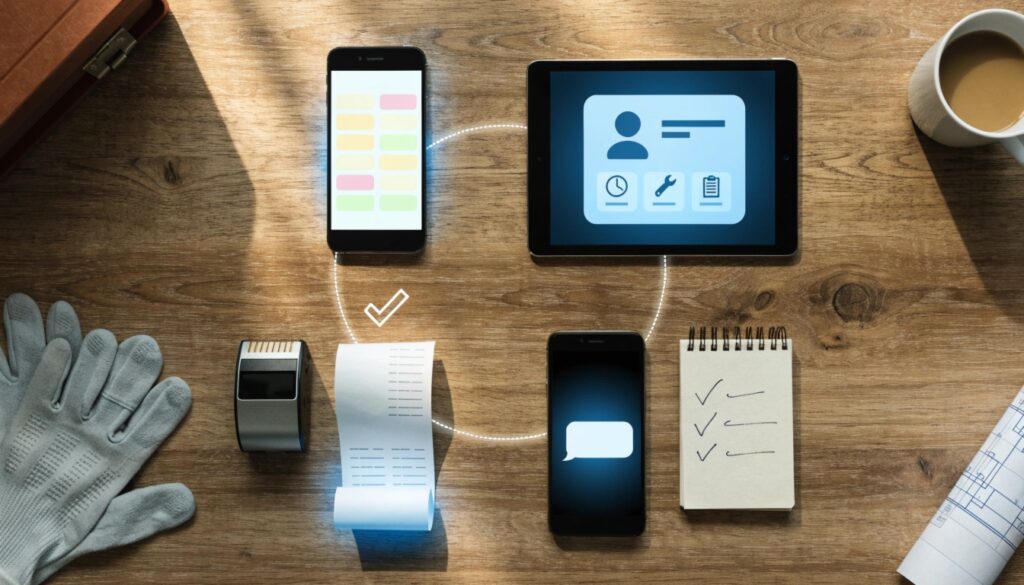
Not every business needs every app. But most home service companies benefit from having at least one solid tool in each of these categories.
1. Scheduling and Dispatch Apps
These apps help you plan your day, assign jobs to technicians, and avoid double bookings. Scheduling isn’t just about a calendar — for a home service business, it’s about managing how many jobs your team can realistically handle in a day.
A good scheduling app should let you:
- See your whole team’s schedule in one place
- Assign the closest technician to a new job
- Send automatic reminders to customers
- Adjust quickly when a job runs long or gets canceled
2. Customer Relationship Management (CRM) Apps
A CRM keeps track of every customer, past job, and conversation in one spot. Instead of digging through text messages or sticky notes, you can pull up a customer’s full history in seconds.
This matters most when:
- You have repeat customers who expect you to remember their preferences
- You need to follow up on old estimates
- You want to track which jobs are most profitable
3. Invoicing and Payment Apps
Getting paid quickly is one of the biggest challenges for home service businesses. Apps that let you send invoices and accept card payments on the spot mean you’re not waiting weeks for a check in the mail.
Look for apps that let customers pay:
- Right after the job is finished
- Through a simple link sent by text or email
- Without needing to set up a separate merchant account elsewhere
4. Communication and Lead Management Apps
Missed calls often mean missed jobs. Apps that manage texts, calls, and online booking requests in one inbox help you respond faster and keep leads from slipping through the cracks.
Step-by-Step Guide: How to Choose the Right Apps for Your Business
Picking the right apps doesn’t have to be complicated. Follow these steps to make a smart choice.
Step 1: List your biggest daily headaches. Are you losing leads? Struggling with scheduling? Chasing payments? Start with your actual pain point, not a long feature list.
Step 2: Match the pain point to an app category. If scheduling is your problem, start there. Don’t try to fix everything at once.
Step 3: Consider your team size. A solo contractor usually needs lighter, simpler tools. A team with several technicians needs apps built for dispatching and tracking multiple jobs at once.
Step 4: Try before you commit. Most apps offer a free trial or demo. Test how it feels on a real workday before paying for a full year.
Step 5: Check if it connects with tools you already use. An app that works well on its own but doesn’t share information with your other tools can create more work, not less.
Step 6: Start small and add tools as you grow. You don’t need every app on day one. Add new tools as your business and team expand.
Common Problems or Mistakes to Avoid
Many home service business owners run into the same avoidable issues:
- Buying too many apps at once. This leads to confusion and wasted money. Start with one or two core tools.
- Choosing an app built for a different industry. A generic scheduling app made for salons or gyms may not handle field service needs like route planning or job photos.
- Ignoring mobile usability. If your technicians are out in the field, the app needs to work well on a phone, not just a desktop.
- Skipping staff training. Even a great app fails if your team doesn’t know how to use it properly.
- Not checking for customer support. When something breaks mid-job, you need help fast, not a slow email chain.
Helpful Tips for Getting the Most Out of Your Apps
- Keep your team’s calendar updated in real time so no one shows up to a double-booked job.
- Set up automatic appointment reminders to cut down on no-shows.
- Ask new customers how they found you, and track it in your CRM to see which marketing efforts actually work.
- Offer at least one digital payment option, since many customers prefer paying by card over cash or check.
- Review your app costs every few months to make sure you’re not paying for features you don’t use.
- Back up important customer and job data regularly, even if your app already stores it in the cloud.
Frequently Asked Questions
1.What apps do I need to run a home service business?
Most home service businesses benefit from a scheduling app, a CRM to track customers, an invoicing or payment app, and a way to manage calls or texts from leads.
2.Is one all-in-one app better than several separate apps?
It depends on your business. An all-in-one app can save time by keeping everything in one place, while separate apps may offer more specialized features for each task.
3.What’s the best app for a solo contractor?
Solo contractors usually do well with a simple scheduling and invoicing app rather than a full field-service platform built for larger teams.
4.Do I need a different app for each trade, like plumbing versus landscaping?
Not always. Most scheduling, CRM, and payment apps work across trades. Some platforms offer trade-specific features, but the core needs are usually similar.
5.How much should I expect to spend on business apps each month?
Costs vary widely depending on your team size and the features you need. It’s best to compare a few options directly since pricing and plans can change over time.
6.Can these apps help me get more customers, not just manage existing ones?
Yes. Many apps include features like online booking pages, automated follow-ups, and review requests that can help bring in new leads.
7.How do I know if an app is actually worth using?
Try a free trial and pay attention to how it fits into a normal workday. If it saves time and reduces mistakes within the first few weeks, it’s likely worth keeping.
Conclusion
Figuring out what apps are most useful for home service businesses really comes down to matching the right tool to your biggest daily challenge. Start with scheduling, customer management, and payments, then add more tools as your business grows. You don’t need every app on the market — you need the few that actually solve your problems and make your workday easier.
If you’re just getting started, pick one pain point, test an app for a few weeks, and build from there. Small, steady improvements add up to a much smoother-running business.
Author: Muhammad Ahmad
M. Ahmad is an SEO and GEO Specialist and the Founder of Careerzon.org, a platform dedicated to career development and professional growth. He helps readers navigate job searching, resume building, career planning, and skill development through clear, practical, and easy-to-follow guidance. Combining his SEO and GEO expertise with a focus on career content, M. Ahmad ensures Careerzon.org delivers helpful, people-first advice that’s easy to find and easy to understand — whether you’re searching on Google or asking an AI assistant.
Also Read: